01 / MAC APP
Notchlet
Keep music and your next calendar event close without another window.
Preview for Apple silicon Macs running macOS 14 or later. Live audio analysis requires macOS 14.2 or later. The download is ad hoc signed and not Apple-notarized.
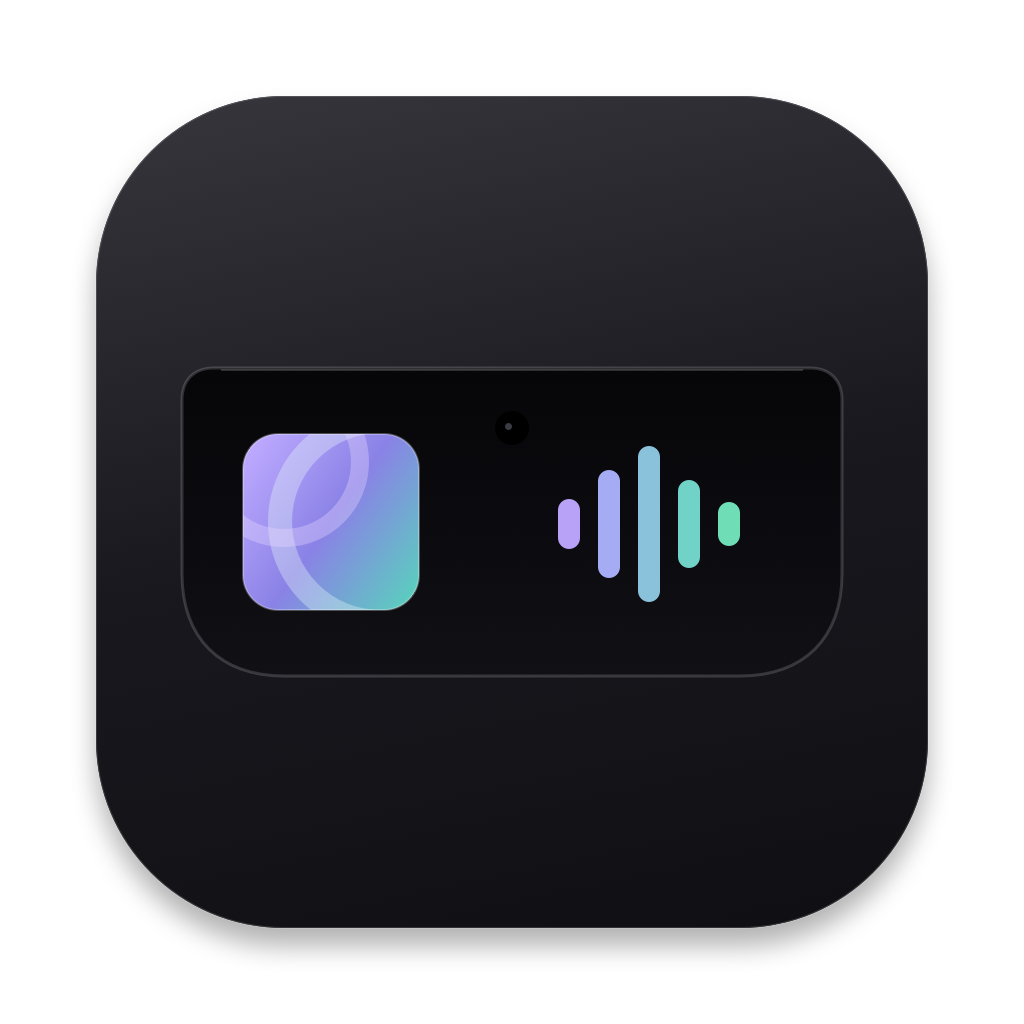 NotchletA little more from your notch.
THE CONTEXT
What the work connects.
Changing a track or checking the next meeting can interrupt the window you are working in. The top of the display offers a small, familiar place to keep those everyday controls within reach.
- Built for
- Mac users who want music and calendar details close at hand
- My contribution
- I built a native Mac companion in Swift and SwiftUI that brings Apple Music and Spotify controls together with a calendar agenda, event details, and meeting links.
HOW IT WORKS
From one step to the next.
- 01
Open
Bring the companion into view
- 02
Listen
Control Apple Music or Spotify
- 03
Plan
Check an event or follow its meeting link
- 04
Settle
Return to a compact notch
Notchlet opens around the notch and settles back when it is no longer needed. Music controls and calendar information share the same space, with optional audio-reactive visuals and settings for motion and pinning. A top-center layout supports displays without a physical notch.
THE RESULT
A working path through the task.
The preview gives music and upcoming events a compact home on the Mac. Its website explains compatibility, permissions, installation, and development changes, with a download for Apple silicon Macs running macOS 14 or later.
Capabilities & tools For a closer look +
WHAT IT DOES
- Apple Music and Spotify playback controls, artwork, and seeking
- Calendar agenda, event details, and recognized meeting links
- Optional audio-reactive visuals and a top-center layout on displays without a notch
TOOLS & INTEGRATIONS